
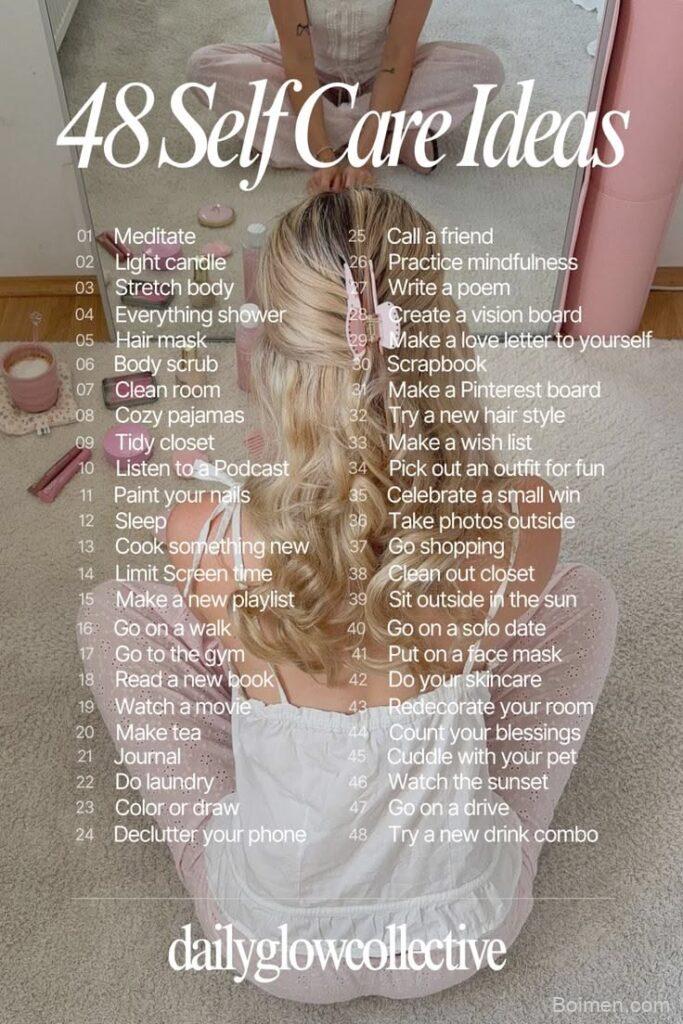
Your pin's image is the entire first impression—it's what stops a scroll or gets ignored. In this guide, I'll show you exactly how to design images that earn clicks, based on real metrics and platform behavior, not guesswork.
Advertisements1
- Use 1000×1500 pixels (2:3 ratio) for every pin—it's non-negotiable for performance.
- Limit text overlay to 3-5 words; clarity beats cleverness.
- Original images build trust and avoid duplicate-content penalties.
- Brand colors and a small logo increase recognition without distracting.
- CTR is the metric that matters most; track it and A/B test images.
- Even a small change like switching to a lifestyle shot can double your CTR.
Why Your Pin Image Matters More Than Your Description
On Pinterest, the image is the product. The platform is a visual discovery engine, and every pin is competing for attention in a dense feed. According to Pinterest's own business resources, pins with high-quality, vertical images get significantly more engagement. I've seen accounts double their click-through rates just by overhauling their image design, not their copy.
Think of your pin image as a billboard. Users decide in a fraction of a second whether to stop or keep scrolling. If your image is blurry, poorly composed, or text-heavy, you've lost the click. The description and keywords matter for search, but the image is what earns the click in the first place.
The Golden Ratio: Aspect Ratio and Size
Pinterest's recommended aspect ratio is 2:3 (vertical), which translates to 1000 x 1500 pixels. This is not a suggestion; it's the format that performs best in the feed and in search results. I've tested 1:1 (square) and 4:5, and 2:3 consistently gets more saves and clicks. Why? Because it takes up more vertical space on the screen, making it more noticeable.
Avoid using images smaller than 600 pixels wide, as they can appear blurry when Pinterest scales them. Also, don't use horizontal images—they get cut off in the feed and lose impact. Stick to 1000 x 1500 as your baseline, and you'll be aligned with the platform's algorithm.
Text Overlay: Less Is More
Adding text to your pin image can increase clarity, but too much text kills performance. I recommend a maximum of 3-5 short words that convey the core value. For example, instead of '10 Easy Ways to Save Money on Groceries Every Month,' use 'Save on Groceries: 10 Easy Ways.' Keep it punchy.
Use a bold, readable font like Arial or Montserrat at a size that's legible on a phone screen. Place text in the upper third of the image, where it's less likely to be covered by Pinterest's UI elements like the save button. Also, ensure high contrast between text and background—dark text on a light image works well, or vice versa, but avoid busy backgrounds that make text hard to read.
Color Psychology and Branding
Color affects click-through rates. Bright, saturated colors like red, orange, and yellow tend to stand out in the feed, but they can also feel aggressive. Muted pastels work well for lifestyle and DIY niches. The key is to use a consistent brand palette so your pins are recognizable.
I've found that using one dominant color and one accent color works best. For example, a bright yellow background with dark text is eye-catching without being overwhelming. Test different combinations to see what resonates with your audience. Also, remember that Pinterest users often save pins for later, so the image must remain appealing even when viewed in a board full of other saves.
Use High-Quality, Original Images
Stock photos can work, but original images of your actual product or content build trust and stand out. If you're a food blogger, show your actual dish. If you're a DIY expert, show your finished project. This authenticity is what E-E-A-T is about—demonstrating real experience.
Avoid using images that look like they've been used on hundreds of other pins. Pinterest's algorithm can detect duplicate images and may deprioritize them. Instead, invest in a decent camera or smartphone and take your own photos. Edit them lightly to enhance brightness and contrast, but keep them natural.
Incorporate Your Branding Seamlessly
Add your logo or website URL to the corner of your pin, but don't let it dominate. A small watermark in the bottom right corner is standard. This helps with brand recognition and prevents content theft, but it shouldn't distract from the message.
I've seen creators put their handle in the text overlay, which can be effective but reduces space for the value proposition. A subtle logo is usually enough. On Pinterest, users often crop images when they repin, so keep your watermark away from the edges to avoid it being cut off.
Test, Measure, and Iterate
Don't set and forget. Use Pinterest Analytics to track which pins get the most impressions and clicks. Look at the click-through rate (CTR) specifically. If a pin has high impressions but low clicks, the image isn't compelling enough. Try A/B testing two different images for the same content to see which performs better.
For example, I once changed a pin's image from a flat lay to a lifestyle shot of someone using the product, and the CTR jumped from 1.2% to 2.8%. That's a 133% increase. Small changes can have a huge impact. Keep a spreadsheet of what you've tested and the results, so you can refine your strategy over time.
How to Do It, Step by Step
- 1Choose the right dimensions
Create your pin at 1000 x 1500 pixels (2:3 aspect ratio) to match Pinterest's preferred format. This ensures your pin displays fully and looks crisp on all devices. - 2Pick a compelling image
Use a high-resolution, original photo that clearly represents your content. Avoid blurry or heavily filtered images. A clear, well-lit photo is more trustworthy. - 3Add minimal, readable text
Overlay 3-5 words that summarize the value. Use a bold, sans-serif font and place it where it won't be covered. Ensure contrast for readability. - 4Incorporate branding subtly
Add a small logo or website URL in a corner. Keep it small and unobtrusive so it doesn't distract from the main message. - 5Use colors that stand out
Choose a palette that contrasts with the typical feed. Test bright or bold colors, but stay consistent with your brand. Avoid busy patterns that hurt readability. - 6Test different images
Create two versions of the same pin with different images or text. Post them and compare CTR in analytics. Use the winner as your primary pin. - 7Monitor and refine
Check Pinterest Analytics monthly. Look for pins with high impressions but low CTR—those need image improvements. Iterate based on data.
Your pin image is a promise; if it doesn't match the content, you'll lose trust and clicks.
Frequently Asked Questions
What is the best image size for Pinterest pins?
The best size is 1000 x 1500 pixels (2:3 aspect ratio). This vertical format gets the most engagement and displays well in the feed.
How much text should I put on a Pinterest pin?
Keep text minimal—3 to 5 words that convey the core benefit. Too much text makes the pin look cluttered and reduces click-through.
Can I use stock photos for Pinterest?
Yes, but original images perform better because they're unique and authentic. If you use stock, customize them with text overlays and brand colors to stand out.
How often should I change my pin images?
Test new images every few weeks. If a pin's CTR drops over time, create a fresh image to revive it. Pinterest rewards fresh content.
Does the pin description matter if the image is great?
Yes, descriptions help with search and context, but the image is what earns the click. A great image with a weak description will still get clicks, but a poor image with a great description won't.

Diego covers personal finance and investing for freelancers and gig workers. His angle is practical money management for irregular income, from budgeting to tax basics.


Leave a Comment