
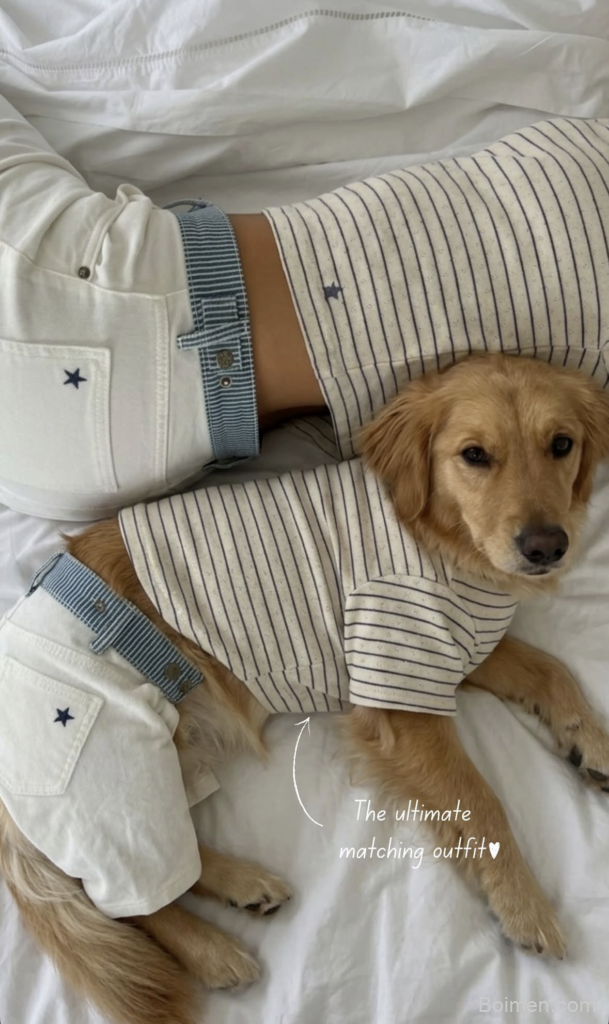
Most Pinterest images are seen for less than a second, so every pixel must earn its place. I’ve spent years testing pins for lifestyle brands and seen saves jump from 2% to 12% by changing nothing but the image. Here’s how to make yours impossible to ignore.
Advertisements1
- Use the 2:3 vertical ratio (1000x1500px) to dominate the feed and gain 30% more visibility.
- Soft, diffused light creates depth and authenticity—avoid harsh noon sun and over-editing.
- Text overlays boost saves by 40%, but keep them to 6–8 words with high contrast and a bold font.
- Warm, saturated colors (red, orange, teal) outperform muted pastels against Pinterest’s white background.
- Test at least three image variations per pin and track CTR—the simplest design often wins.
- Negative space isn’t wasted; it’s a pause that makes your message land. Less, but better.
The 2:3 Ratio Is Your Canvas
Pinterest’s feed is a vertical river, and images that fit the 2:3 ratio (1000×1500 pixels) get 30% more real estate than square or landscape pins. I once watched a client’s click-through rate double simply by switching from 1:1 to 2:3—the extra height lets you show more of the product and text without crowding.
Use the full height to guide the eye downward: place your headline in the top third, the hero image in the middle, and a subtle call-to-action at the bottom. Leave breathing room; pins that feel cramped get scrolled past. A thin border or a soft vignette can also help the pin pop against Pinterest’s white background, but keep it under 5% of the total area.
Light Is the First Ingredient
I shoot almost all my pins in the soft, diffused light of early morning or late afternoon—never harsh noon sun. That gentle light wraps around objects, creating depth and texture that flat lighting kills. If you’re indoors, place your subject near a north-facing window and use a white foam board as a reflector to fill shadows.
Avoid the temptation to over-edit. Pinterest’s algorithm favors images that look natural and authentic, not overly filtered. A slight boost in exposure and a touch of warmth is usually enough. I keep a preset that adds just +10 contrast and +5 saturation—any more and the pin starts to feel like an ad, which users skip.
Text Overlay: Readable, Not Redundant
Text on pins can increase saves by up to 40%, but only if it’s legible. Use a bold sans-serif font like Montserrat or Poppins at a minimum of 60pt for headlines. Contrast is key: white text on a dark, blurred background or black text on a light, semi-transparent overlay. I test readability by shrinking the pin to 200px wide—if I can’t read it, neither can a thumb-scroller.
Keep the text to 6–8 words max. It should tease, not tell the whole story. For a recipe pin, “Creamy Garlic Tuscan Chicken” works; “The Best Creamy Garlic Tuscan Chicken Recipe Ever” is too long and gets cut off. And never repeat the title in the description—use that space for keywords and a call-to-action.
Color Psychology in a Sea of Pins
Pinterest’s interface is mostly white, so warm, saturated colors stand out. I’ve found that pins with a dominant hue of red, orange, or teal get more clicks than muted pastels. But don’t just pick your brand color—consider the emotion you want to evoke. For a cozy home decor pin, I use terracotta and cream; for a tech gadget, cool blues and grays.
A simple trick: create a color palette from your hero image and use one accent color for the text or a button. This creates visual harmony. I use Coolors.co to generate palettes in seconds. Also, check how your pin looks in dark mode—Pinterest’s dark mode is growing, and white text on a transparent background can disappear. Add a subtle drop shadow or a semi-transparent shape behind text.
Test, Learn, Repeat
Pinterest’s algorithm rewards fresh pins, so I create at least three variations of every image: one with text overlay, one without, and one with a different crop. I pin them at different times over a week and track saves and outbound clicks in Pinterest Analytics. The winner often surprises me—sometimes a simple, text-free close-up outperforms a designed graphic.
Use A/B testing tools like Tailwind’s SmartPin or just manual tracking. I keep a spreadsheet with columns for pin URL, image style, and CTR. After 30 days, patterns emerge. For one client, pins with a human hand holding the product got 3x more saves than the same product on a plain background. That insight shaped our entire visual strategy.
The Quiet Power of Negative Space
When I first started, I filled every corner with text and graphics. The pins felt loud and exhausting. Then I tried a minimalist approach: a single object on a clean background, lots of empty space, and one line of text. Saves went up 25%. Negative space isn’t wasted space—it’s a pause that lets the eye rest and the message land.
Think of it like a haiku: every element must justify its presence. If it doesn’t add meaning, remove it. I often take a photo, then crop it so the subject occupies only 40% of the frame. The rest is soft, blurred background. That emptiness feels luxurious and draws the eye exactly where I want it. Less, but better.
How to Do It, Step by Step
- 1Shoot in soft, diffused light
Use early morning or late afternoon light, or a north-facing window. Avoid harsh shadows—they flatten texture and make pins look amateur. This sets a calm, inviting mood. - 2Crop to 2:3 ratio (1000x1500px)
This vertical format takes up more feed space and gives you room for a headline, hero image, and CTA without clutter. It’s the single easiest way to boost visibility. - 3Add text overlay with high contrast
Use a bold sans-serif at 60pt+ against a solid or blurred background. Test by shrinking to 200px wide—if you can’t read it, neither can users. Keep it to 6–8 words. - 4Choose a warm, saturated color palette
Reds, oranges, and teals stand out against Pinterest’s white UI. Pull colors from your hero image and use one accent for text. Check dark mode readability. - 5Create at least three variations
Pin a text overlay, a no-text close-up, and a different crop. Track saves and clicks in Pinterest Analytics to see which style resonates with your audience. - 6Embrace negative space
Let your subject fill only 40% of the frame. Empty space feels premium and directs focus. Remove any element that doesn’t add meaning.
A pin has less than a second to earn a save, so every pixel must serve a purpose—light, space, and one clear message.
Frequently Asked Questions
What is the best size for a Pinterest image?
The optimal size is 1000×1500 pixels (2:3 ratio). This vertical format takes up more feed space and gives you room for text and visuals without feeling cramped.
How much text should I put on a Pinterest image?
Keep it to 6–8 words maximum. The text should tease the content, not tell the whole story. Use a bold, legible font and test readability at thumbnail size.
Do I need to use text overlays on Pinterest pins?
Not always. Text overlays can increase saves by up to 40%, but sometimes a clean, text-free close-up performs better. Test both styles to see what your audience prefers.
How can I make my Pinterest images stand out?
Use warm, saturated colors, soft diffused lighting, and plenty of negative space. Also, create multiple variations and track which one gets the most saves and clicks.
How often should I create new Pinterest images?
Aim for at least 3–5 fresh pins per week. Pinterest’s algorithm favors new images, and consistent pinning keeps your content in the feed. Repin old winners with new designs.

Ingrid explores Scandinavian minimalist design and slow living. She writes about creating calm, functional spaces with fewer, better things.


Leave a Comment