
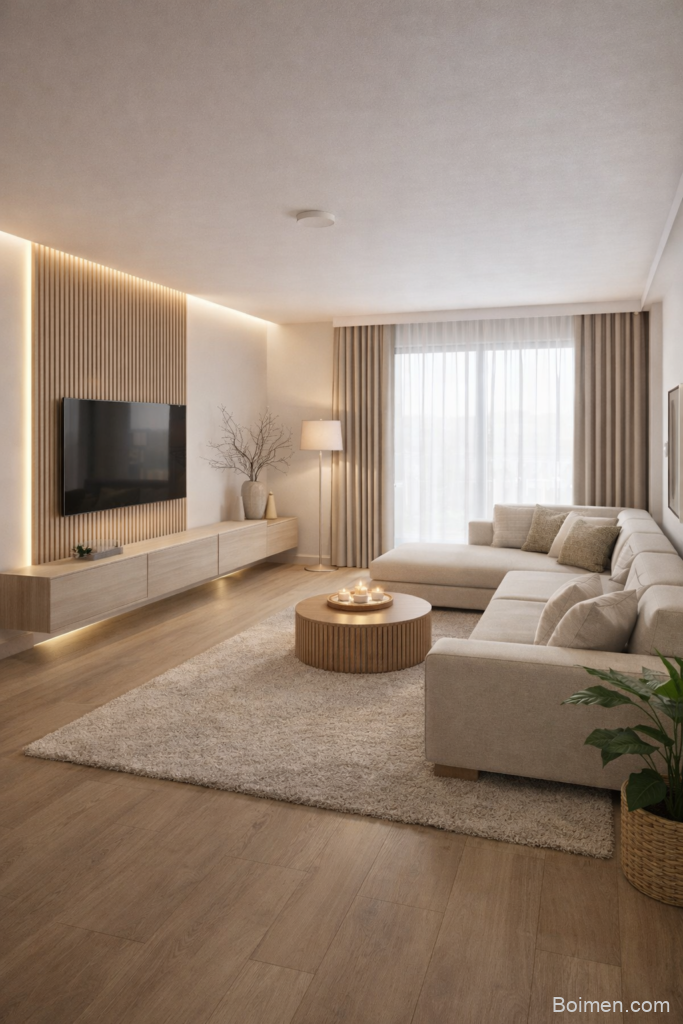
You know that feeling when you find a website that seems made just for you? That little spark of excitement when you discover a place online that actually understands what you love to look at. Pinterest gave so many of us that feeling first. But the internet is much bigger than one platform, and there are wonderful hidden corners where visual discovery still feels fresh.
Advertisements1
I’ve spent weeks clicking through small, under-the-radar sites that collect beautiful images, creative ideas, and inspiring finds. Some are quiet communities. Some are digital museums. All of them are worth your time. Below you’ll find sixteen of my favorites, starting with the one you probably clicked for.
Table of Contents(Click to Toggle)
Why These Visual Discovery Sites Deserve Your Attention
Visual discovery is more than scrolling. It’s how you train your eye. When you save images that make you pause, you start to notice your own taste. You learn what colors calm you, what layouts excite you, what stories you want to tell. That matters whether you’re decorating a room, planning a trip, or just looking for a little daily joy.
The sites below aren’t all trying to be Pinterest. Some are for designers. Some are for photographers. Some are for people who just love beautiful things. That variety is the point. Each one gives you a different lens on the visual world. Try one that feels new to you. You might surprise yourself with what you find.
16 Websites Like Pinterest for Visual Inspiration
1. Pinterest : The original visual bookmarking playground
What it is: A platform where you save images and ideas onto boards you create yourself.
Category: Visual bookmarking and idea collection.
Why it stands out:
- Its recommendation engine learns your taste fast, often within a few saves.
- Boards keep related ideas together, so a wedding board never mixes with a recipe board.
- You can search by color, style, or season and get surprisingly specific results.
Best for: Anyone who wants one place to collect everything from outfit ideas to home projects.
2. Are.na : A calm, ad-free space for thoughtful collecting
What it is: A minimal platform where you build channels of images, links, and text without likes or follower counts.
Category: Curated research and mood boarding.
Why it stands out:
- No algorithm pushes content at you, so your channels stay truly yours.
- You can connect blocks between channels, which creates lovely webs of related ideas.
- Many artists and writers use it as a public notebook, so browsing feels like peeking into creative minds.
Best for: People who want depth over dopamine and don’t mind a quieter pace.
3. Cosmos : A modern mood board that feels like a gallery
What it is: A visual discovery app built around clusters of images that share a mood or palette.
Category: Aesthetic discovery and mood boarding.
Why it stands out:
- Its clustering is genuinely good at surfacing styles you didn’t know you liked.
- The interface is clean and image-first, with very little text clutter.
- You can save into personal spaces and share them with a simple link.
Best for: Designers and creatives who want fresh references without the noise of social feeds.
4. Behance : Where professional portfolios live
What it is: Adobe’s portfolio network where designers, illustrators, and studios post full projects.
Category: Creative portfolios and project showcases.
Why it stands out:
- You see complete case studies, not just single images, so you learn how a project came together.
- Filtering by location or field helps you find local talent for real collaborations.
- Many posts include process shots, which is gold if you’re learning a new skill.
Best for: Anyone hiring creatives or studying how professional work gets made.
5. Dribbble : Small shots of big design ideas
What it is: A community where designers share short glimpses of interfaces, logos, and illustrations.
Category: Design inspiration and feedback.
Why it stands out:
- The shot format keeps things bite-sized, so browsing is quick and pleasant.
- You can follow specific tags like “mobile UI” or “branding” to shape your feed.
- Hiring managers often browse here, which makes it useful for visibility too.
Best for: UI and graphic designers who want a steady stream of polished work.
6. Designspiration : A search engine for visual ideas
What it is: A curated image search tool focused on design, color, and typography.
Category: Visual search and design reference.
Why it stands out:
- You can search by a specific hex color, which is incredibly handy for brand work.
- Results lean toward clean, well-composed images rather than viral clutter.
- Saving to collections is simple and stays organized by project.
Best for: Designers who need precise references, especially around color palettes.
7. Savee : A fast, elegant bookmarking tool for creatives
What it is: A lightweight platform for saving images and videos from anywhere on the web.
Category: Creative bookmarking and mood boards.
Why it stands out:
- The browser extension saves an image in about two clicks, which keeps momentum going.
- Boards look beautiful by default, so sharing them feels effortless.
- It supports video, which many similar tools still ignore.
Best for: Art directors and photographers who collect references constantly.
8. Ffffound (Archive) : The legendary image blog that started it all
What it is: An early image-sharing site that inspired a whole generation of visual platforms.
Category: Historical visual archive.
Why it stands out:
- Its influence shows up in countless design trends still popular today.
- Browsing it feels like walking through internet history.
- It’s a reminder that simple, image-first ideas can change how we use the web.
Best for: Nostalgic designers and anyone curious about the roots of visual discovery.
9. Tumblr : Endless microblogs built on images and moods
What it is: A blogging platform where reblogging images and short posts creates themed feeds.
Category: Social blogging and fandom curation.
Why it stands out:
- Communities form around very specific interests, from vintage film to interior styling.
- Tags are powerful, so you can dive deep into a niche quickly.
- It still feels more personal and less polished than big social networks.
Best for: People who love niche aesthetics and want a blog-like browsing experience.
10. Flickr : A photographer’s community with real depth
What it is: A long-running photo hosting site with groups, albums, and detailed camera data.
Category: Photography sharing and groups.
Why it stands out:
- You can see the exact settings behind a photo, which is a quiet learning tool.
- Groups gather around subjects like street photography or film cameras.
- Its Creative Commons search is a treasure for anyone needing usable images.
Best for: Photographers and hobbyists who care about craft and community.
11. Unsplash : Beautiful free photos for any project
What it is: A library of high-resolution photos free to use, even commercially.
Category: Stock photography and free assets.
Why it stands out:
- The quality is consistently high, and the license is refreshingly simple.
- Collections curated by users help you find a mood, not just a keyword.
- Downloading takes seconds, with no account required for basic use.
Best for: Bloggers, students, and small business owners who need visuals fast.
12. Pexels : Free photos and videos in one place
What it is: A stock library offering both photos and short videos under a free license.
Category: Stock media and video clips.
Why it stands out:
- Its video section is genuinely useful for social posts and presentations.
- Search filters by orientation and color, which saves time when designing.
- Attribution is appreciated but not required, keeping things flexible.
Best for: Content creators who need both stills and motion clips.
13. Houzz : Home design ideas with real photos
What it is: A home remodeling platform packed with photos, product tags, and professional profiles.
Category: Interior design and home inspiration.
Why it stands out:
- Photos often tag the exact products used, which makes shopping easier.
- You can filter by room, style, and budget to narrow things down.
- It connects you with local designers if you want help beyond inspiration.
Best for: Homeowners planning a renovation or refresh.
14. Foodgawker : A curated gallery of food photography
What it is: A submission-based site that showcases recipes through beautiful photos.
Category: Food photography and recipes.
Why it stands out:
- Every image is reviewed, so the gallery stays visually strong.
- Clicking a photo takes you straight to the original recipe blog.
- It’s a lovely way to discover small food blogs you’d never find otherwise.
Best for: Home cooks who browse with their eyes first.
15. Etsy : Handmade finds and visual gift hunting
What it is: A marketplace for handmade, vintage, and craft supplies from independent sellers.
Category: Shopping and handmade discovery.
Why it stands out:
- Product photos are often styled beautifully, making browsing feel like a magazine.
- You can save items to lists, which works like a shopping mood board.
- Searching by style or color uncovers small shops with unique pieces.
Best for: Gift shoppers and anyone who loves supporting makers.
16. Lyst : Fashion discovery across many brands
What it is: A fashion search platform that gathers products from thousands of designers and stores.
Category: Fashion search and style inspiration.
Why it stands out:
- You can search a specific item and compare options across retailers in one view.
- Its style feed suggests looks based on what you’ve browsed before.
- Price alerts help you wait for a piece you actually want.
Best for: Fashion lovers who want inspiration and practical shopping in one place.
Bonus Mentions
Notion : Build your own visual database
Not a discovery site by design, but its gallery view turns any list into a browsable image board. Great for personal projects.
Raindrop.io : Bookmarks with beautiful previews
Saves links with large thumbnails and collections, so your saved pages look like a mood board.
MyMind : A private, visual memory box
Stores images, notes, and links automatically with a clean, calming interface.
ArtStation : Portfolios for digital artists
If you love concept art and game visuals, this is a deep well of inspiration.
DeviantArt : A long-standing creative community
Messy at times, but full of original art you won’t see anywhere else.
The Internet’s Best-Kept Visual Secrets
Visual discovery doesn’t have to live in one app. The sixteen sites above each offer something a little different. Some are quiet. Some are busy. Some are built for work, and some are purely for pleasure. Together they remind us that the web still holds plenty of beautiful, low-key corners if you’re willing to look.
My advice is simple. Pick one site that felt new to you and spend ten minutes there today. Save three images that make you pause. Notice what they have in common. That small habit will sharpen your eye and fill your creative well. Here’s to small steps, big impact.
Which one are you trying first? Tell me in the comments, and share a hidden gem of your own so we can all discover something new.

Maya writes about sustainable living and zero-waste swaps for busy families. She focuses on small, actionable changes that fit into real life without judgment or guilt.


Leave a Comment