
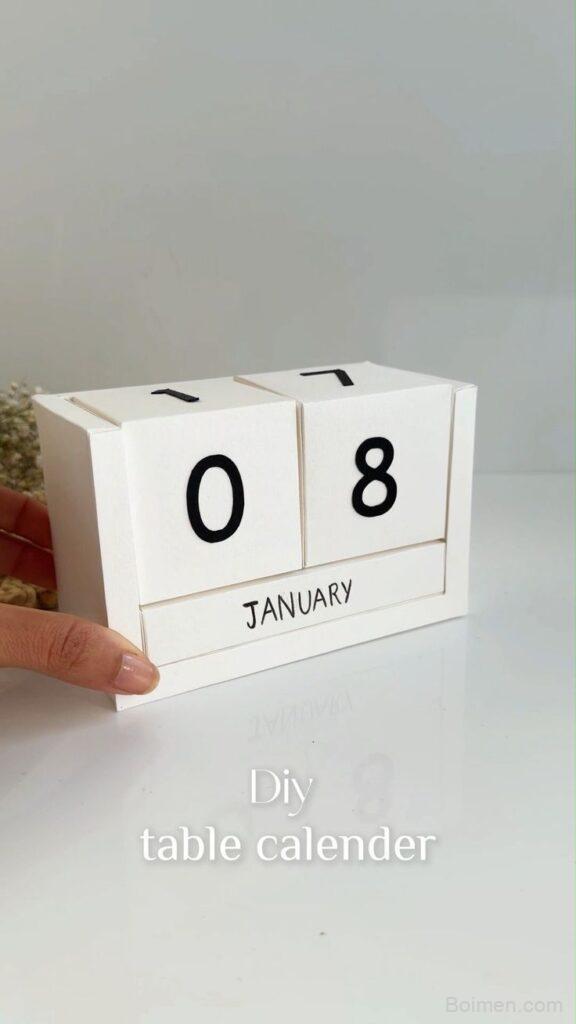
A DIY table calendar 2026 fails for one boring reason: you pick the grid before you pick the paper, the printer, and the pencil. Get those three right and you'll have a desk calendar that survives all twelve months instead of curling by February. Here's the quick win first, then the seven hacks I use every year.
Advertisements1
- 5 × 7 in at 85% print scale is the size that actually fits a desk and survives printer borders.
- 250 gsm is the minimum for a sheet that won't bow on a stand; 160 gsm fails within weeks.
- Tabular figures (tnum) are the single change that makes a month grid look designed.
- One binder ring beats two — two rings force the pages to arc and the stack won't lie flat.
- Draft-print one month before the final run; it costs 40% of the ink and catches every layout error.
- Matte fixative, not lamination, preserves the paper feel while locking the ink.
Quick win: cut your card to 5 × 7 in and print the grid at 85%
Before you design anything, decide the finished size. A 5 × 7 in (127 × 178 mm) card fits a standard A7 acrylic stand, sits beside a laptop without crowding it, and gives you roughly 4.5 × 6.5 in of live print area after a 0.25 in margin. That's enough for a 7-column month grid at 0.6 in per column with room for a date number in 14 pt and a small note line underneath.
Print your grid at 85% scale rather than 100%. Most home inkjets overspray slightly at the edges, and scaling down keeps the outer Saturday and Sunday columns from getting clipped by the printer's unprintable border — usually 0.17 in on cheaper models. It also leaves a clean white gutter you can trim into, which hides a wobbly cut line.
If you want a slightly larger desk presence, 5 × 7 in still works on A5 cardstock (148 × 210 mm) cut in half, which gives you two calendars from one sheet and a consistent grain direction across both.
Pick 250–300 gsm cardstock, not 160 gsm — here's the math
Standard 160 gsm cardstock feels fine in hand but fails on a desk calendar for a measurable reason: it warps. A 5 × 7 in sheet at 160 gsm has a stiffness that lets it bow roughly 3–5 mm under its own weight when propped at 60 degrees, and humidity swings of 20% will push that further. At 250–300 gsm the same sheet holds its plane.
– 160 gsm: cheap, prints easily on most inkjets, bows within weeks
– 250 gsm: the sweet spot, feeds through rear trays on Canon and Epson photo printers
– 300 gsm: best rigidity, but check your printer's rear-feed spec first — many top-loaders jam above 250 gsm
– Cotton rag 300 gsm: gorgeous texture, but ink sits on the surface and smudges if you handle it within an hour
Test one sheet before committing to a pack. Print a single grid, let it dry 30 minutes, then flex it. If the coating cracks along the fold line, drop to 250 gsm.
Use a 5 mm dot grid for the note area, not ruled lines
Ruled lines look tidy in a mockup and terrible in real life, because nobody writes at a consistent baseline height. A 5 mm dot grid gives you alignment without dictating letter size, and it lets you write two lines of small notes in the space one ruled line would occupy.
Generate the dot grid at 20% grey, not black. At 20% the dots nearly disappear under pencil but still guide your eye, and they won't compete with the date numbers when you photograph the calendar for a post. If you're printing on a laser printer, drop to 15% — laser toner lays down denser than inkjet ink and 20% reads closer to 30%.
The practical payoff: by mid-March you'll be writing two or three short entries per day box instead of one, and the dot grid keeps those entries legible without you consciously trying.
Bind with a single 3 mm hole and a binder ring, not staples
Staples fail on a table calendar because the pages need to flip, and stapled corners tear at the punch point by around week six. A single 3 mm hole punched 8 mm from the top edge, threaded with a 25 mm binder ring, gives you a full 360-degree flip and lets you remove a month to write on it flat.
Punch from the front of the sheet toward the back, with a scrap card underneath. Paper punches compress the top layer slightly, so punching front-to-back keeps the visible face clean. If you're making twelve months, punch all twelve at once with a clamp — misaligned holes are the single most common reason a homemade calendar looks amateur.
One ring, not two. Two rings force the pages to arc and the stack won't sit flat on a desk.
Set the date numbers in a real tabular figure, not a default sans
Most default sans-serif fonts use proportional figures, so a '1' takes less horizontal space than a '0'. In a month grid that makes columns look ragged. Switch to tabular (monospaced) figures — in most typefaces this is a single OpenType feature toggle, often labeled 'tnum'.
Set the date number at 14–16 pt, right-aligned in the top-right of each cell with 1.5 mm of padding. Right alignment anchors the eye to a consistent vertical line down the column, which is what makes a grid feel calm. Left-aligned dates create a ragged left edge that reads as noise.
For the month name, use 22–28 pt in a medium weight and set it flush left at the top of the card. Then leave a 4 mm band of empty space beneath it before the grid starts. That gap is what separates a designed calendar from a printed spreadsheet.
Print a test month in draft mode before the final run
Draft mode uses roughly 40% of the ink and runs about twice as fast, which makes it the right way to check layout. Print January in draft, hold it at desk distance, and look for three things: whether the date numbers are legible at arm's length, whether the weekend columns feel cramped, and whether the month name competes with the grid.
Fix those on screen, then print the final run at your printer's highest quality setting on photo paper mode if your printer offers it — even on matte cardstock, photo mode lays down finer droplets and produces noticeably crisper small type. Expect the final run to take three to four times longer than draft.
One more thing: print a spare January. You will want it for testing pens, and a spare costs almost nothing.
Finish with a matte fixative, not lamination
Lamination makes a table calendar look like a laminated menu and kills the paper feel that made you want to make it by hand. A matte spray fixative — two light passes at 25 cm, waiting 10 minutes between coats — locks the ink against finger oils and light pencil erasure without changing the surface.
Test the fixative on a scrap first. Some brands yellow slightly on bright white cardstock; others darken grey dot grids by a visible step. If yours does, drop the dot grid to 15% grey before the final print.
Let the finished sheets cure for a full 24 hours before punching and binding. Punching into a still-soft coating will drag and leave a ragged hole edge that you cannot repair.
The Hacks, Step by Step
- 1Cut to 5 × 7 in before you design
Cut cardstock to 5 × 7 in first, then set your document to that exact size with a 0.25 in margin. Designing at A4 and trimming later is how you end up with a grid that's off-center. - 2Print the grid at 85% scale
Scale down to avoid clipping the outer columns on your printer's unprintable border, and to leave a clean gutter for trimming. - 3Use 250–300 gsm cardstock
Below 250 gsm the sheet bows on a stand within weeks. Test one sheet through your printer's rear feed before committing to a pack. - 4Switch to tabular figures for dates
Enable the 'tnum' OpenType feature so every digit occupies the same width. Right-align dates in the top-right of each cell. - 5Lay a 5 mm dot grid at 20% grey in the note area
Dots guide handwriting without dictating letter size. Drop to 15% for laser printers. - 6Draft-print one month, then final-print
Use draft mode for layout checks at 40% ink, then print finals on the highest quality setting. - 7Spray two light coats of matte fixative
Two passes at 25 cm with 10 minutes between coats. Cure 24 hours before punching. - 8Punch one 3 mm hole and bind with a 25 mm ring
Punch front-to-back over scrap card, clamp all twelve months together for alignment, and use a single ring so the stack sits flat.
A homemade calendar doesn't fail at the design stage — it fails at the paper weight and the punch alignment, which are the two things nobody photographs.
Frequently Asked Questions
What paper weight is best for a DIY table calendar?
250–300 gsm cardstock. Anything under 250 gsm bows 3–5 mm within weeks when propped on a stand, and 160 gsm is the most common mistake because it prints easily and feels acceptable in hand.
How do I print a calendar grid without the edges getting cut off?
Scale your grid to 85% and keep a 0.25 in margin. Most home inkjets have an unprintable border of about 0.17 in, which clips the outer Saturday and Sunday columns at 100% scale.
Should I laminate a DIY desk calendar?
No — use a matte spray fixative instead. Lamination makes it look like a laminated menu and removes the paper texture, while two light coats of matte fixative protect the ink without changing the surface.
How many holes should I punch for a flip calendar?
One 3 mm hole, 8 mm from the top edge, with a 25 mm binder ring. Two rings force the pages to arc and the stack won't sit flat on a desk.
How long should I wait before binding printed cardstock?
24 hours after the final fixative coat. Punching into a still-soft coating drags the paper and leaves a ragged hole edge you can't repair.



Leave a Comment